

































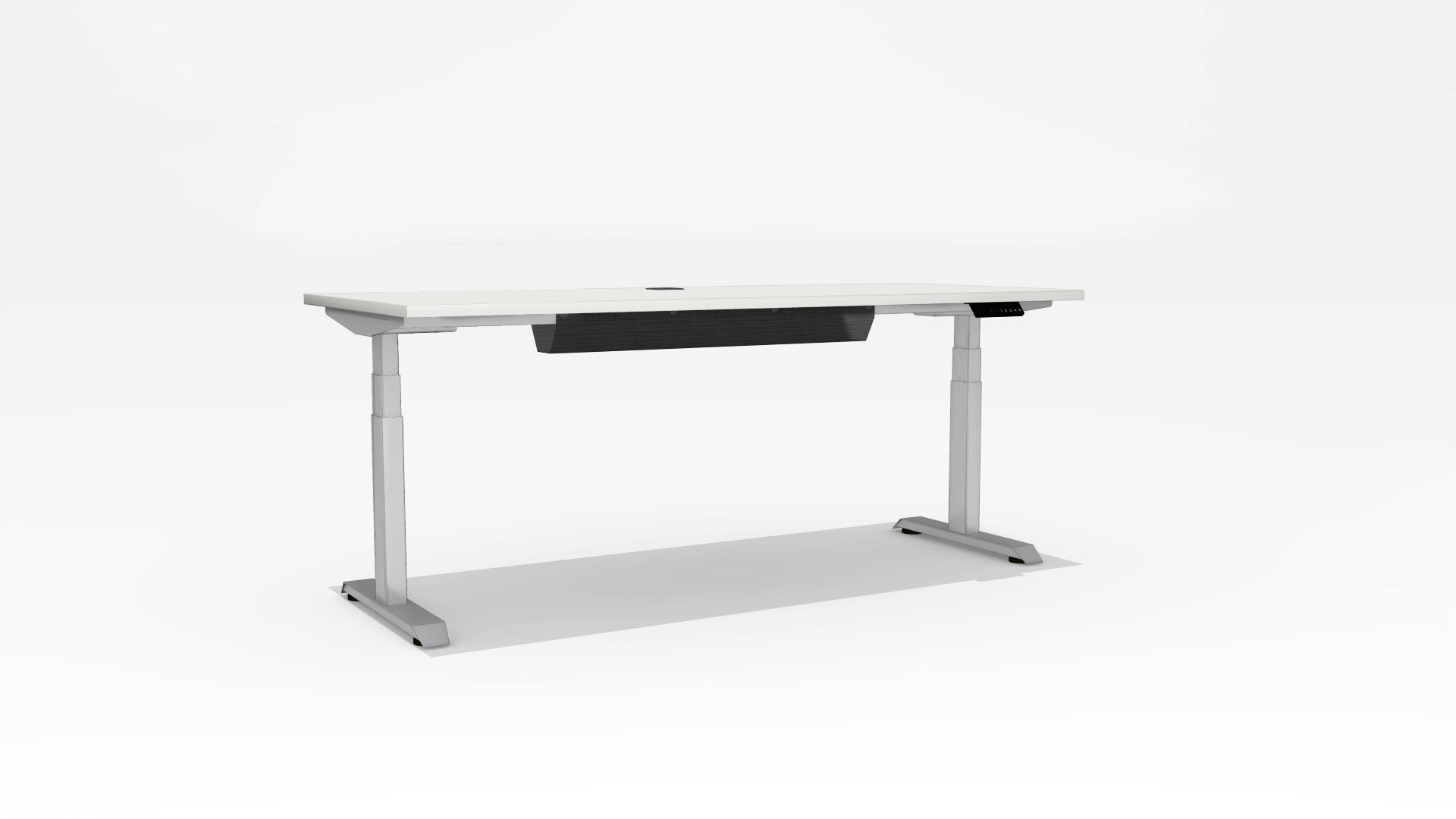

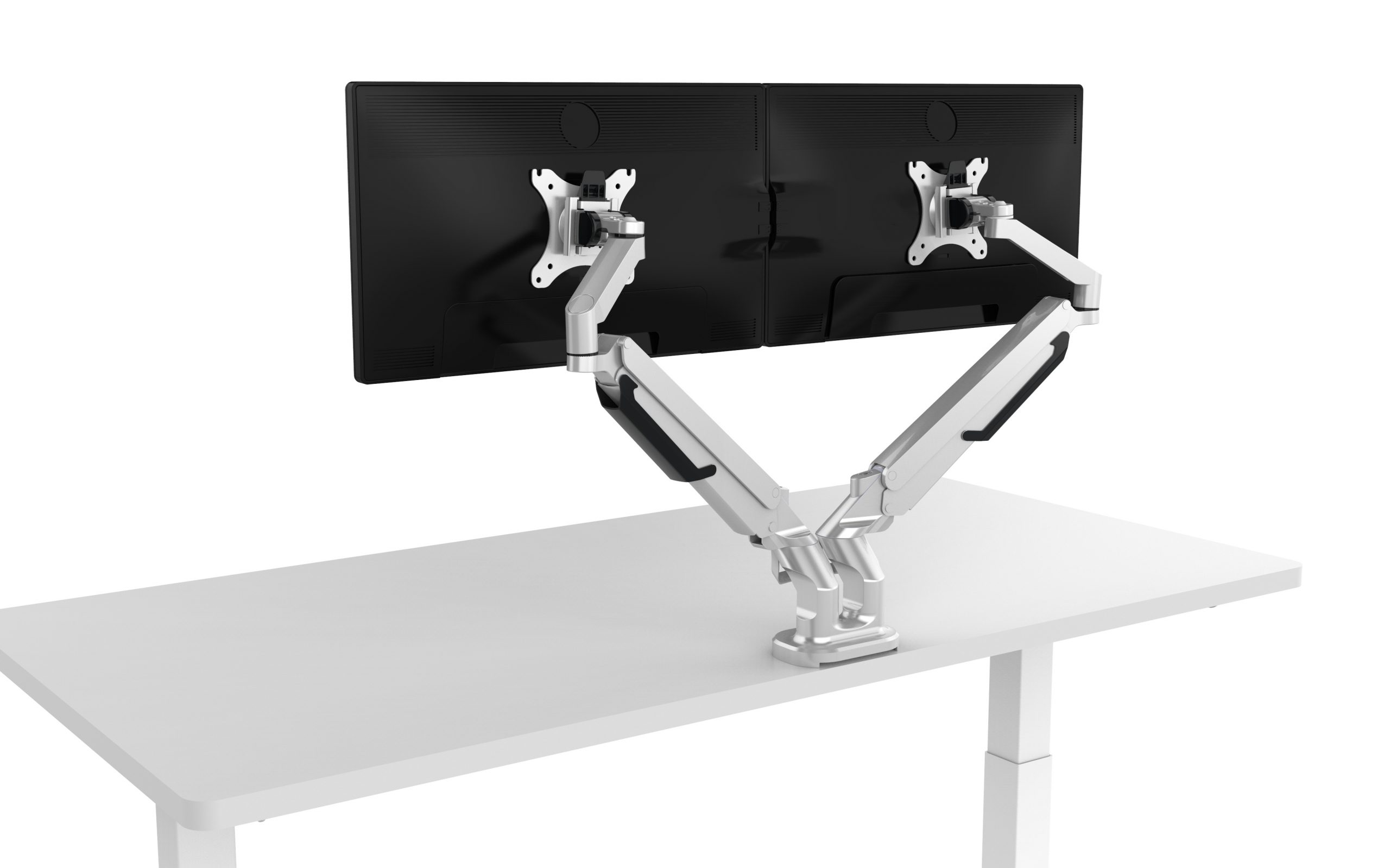
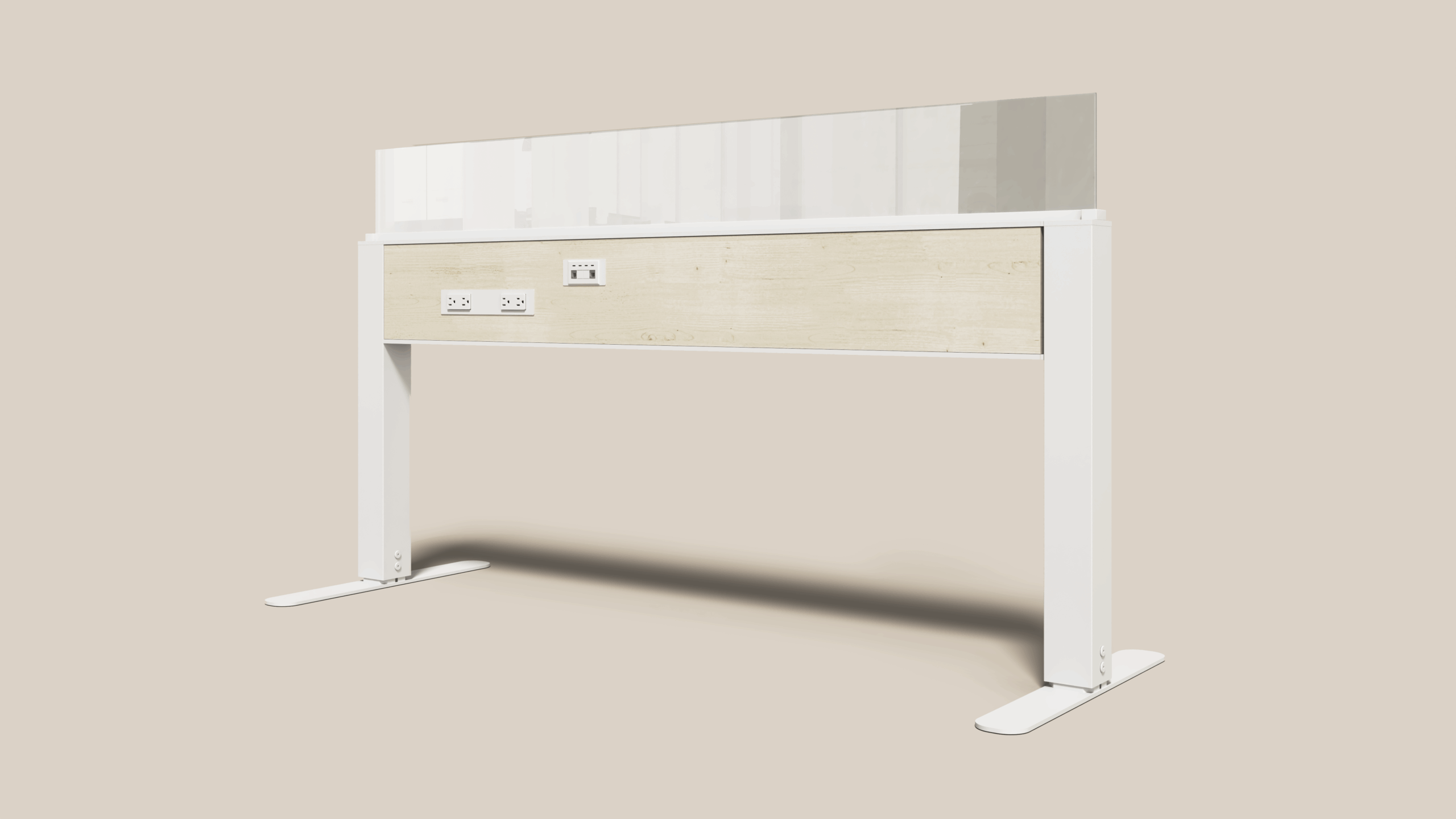


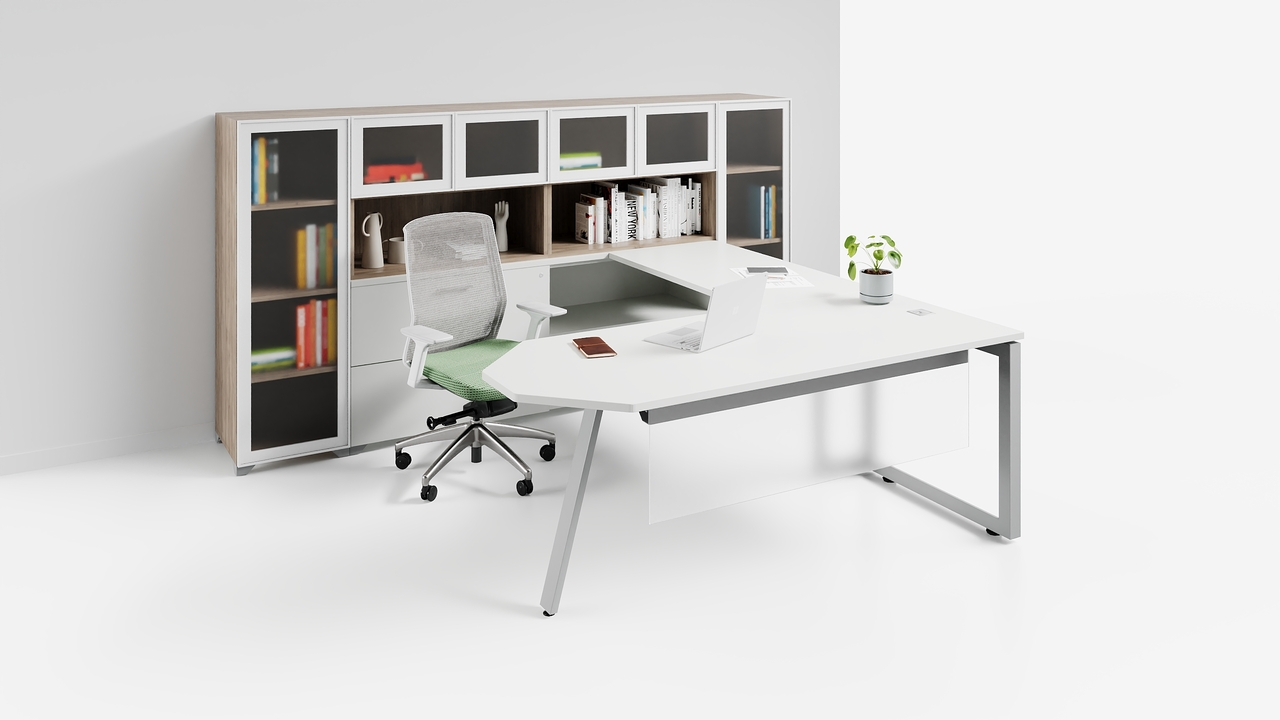










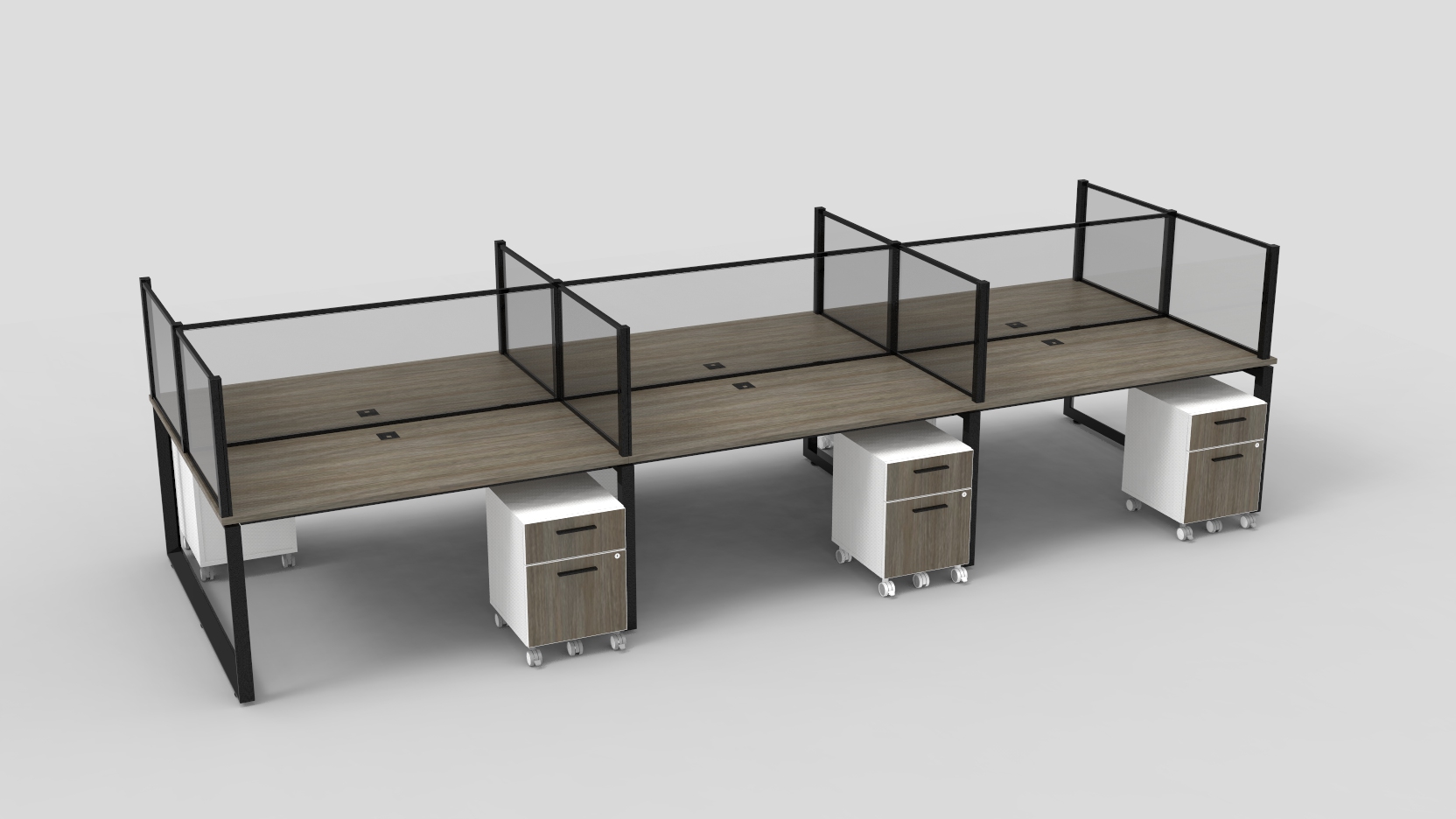

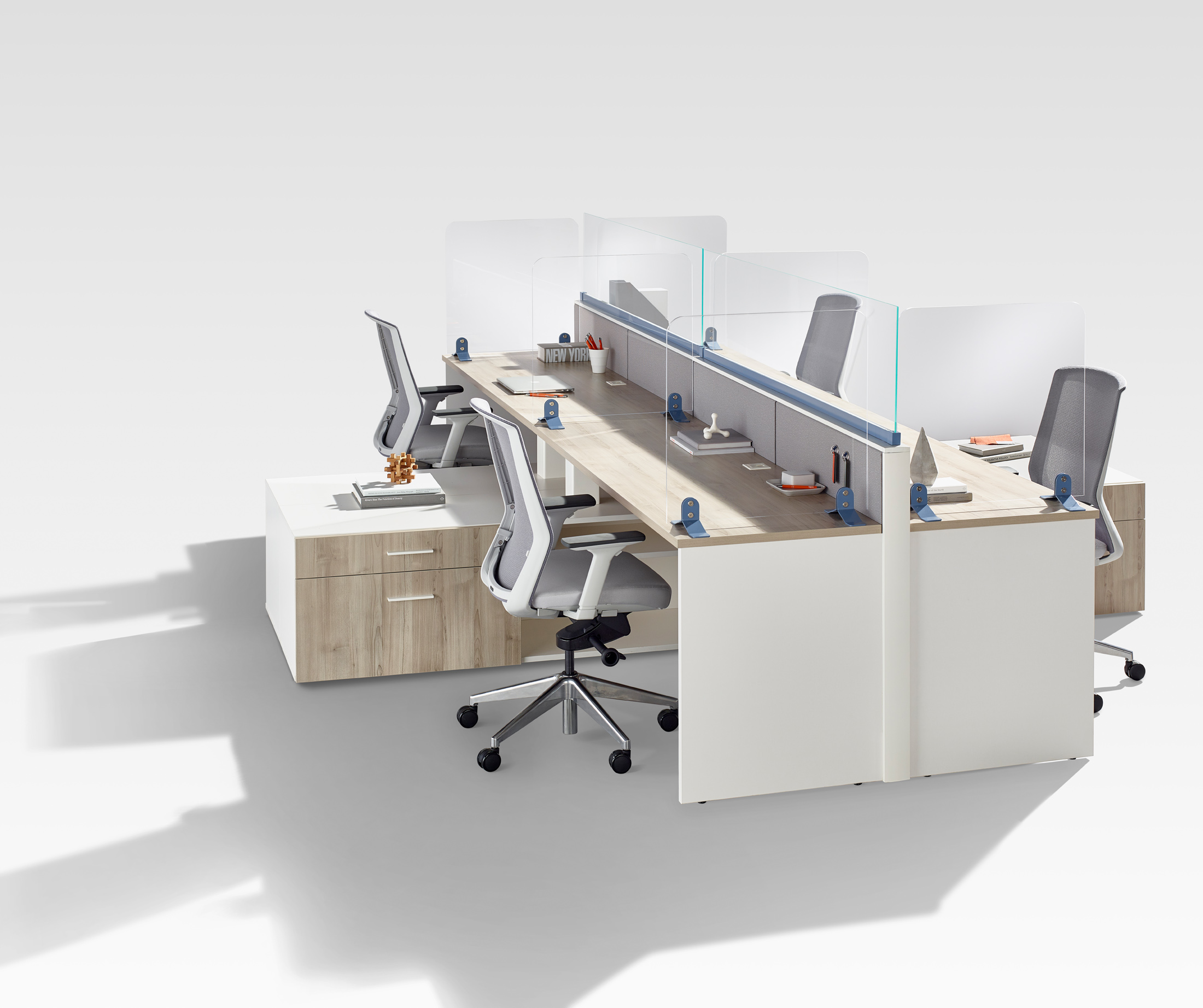

In today’s evolving workplace landscape, speed, accuracy, and adaptability are critical to delivering successful projects. CET has become an essential tool for designers, Dealers, and project teams, enabling streamlined specification, visualization, and quoting.
However, the true value of CET lies not just in its capabilities, but in how effectively it’s used.
To help Teams unlock greater efficiency, Tayco’s CET Expert Shona Silver-Facer shares key strategies that reduce repetitive tasks, improve consistency, and enhance overall workflow performance.
Designing for Efficiency in CET
As project timelines continue to compress, designers are expected to produce high-quality, fully realized plans faster than ever before. This shift places increased importance on building workflows that minimize manual input while maximizing repeatability.
Simple process improvements, such as standardizing layouts, preloading finishes, and automating common configurations, can significantly reduce time spent on each project while improving overall accuracy.
By approaching CET as a system to be optimized, rather than just a tool to be used, Teams can create a more seamless and scalable design process.
Standardization as a Competitive Advantage
One of the most effective ways to improve efficiency in CET is through standardization. By saving commonly used layouts, finishes, and configurations, Teams can create a more consistent and streamlined approach to every project. This reduces the need to recreate typicals from scratch, ensures alignment with Dealer or Client standards, and minimizes the risk of inconsistencies across drawings.
Over time, this level of consistency not only accelerates the design process but also contributes to a more refined, professional output that reflects both efficiency and attention to detail.
Reducing Repetition Through Smart Automation
Many of the most time-consuming tasks in CET are also the most repetitive. Leveraging built-in tools and custom configurations can help eliminate unnecessary steps.
From automatically applying supports to quickly switching between pricing structures, these small efficiencies compound over time, freeing up valuable capacity for higher-value design thinking.
Building a Workflow That Scales
As Teams grow and project demands increase, scalable workflows become essential.
Custom templates, tool palettes, and reusable components allow designers to start each project with a strong foundation already in place. This not only improves speed but also ensures that best practices are consistently applied across every drawing.
Additionally, saving render presets and post-processing settings helps maintain visual consistency while reducing production time for client-facing materials.
Unlocking the Full Potential of CET
CET is a powerful platform, but its full potential is realized through intentional use.
By implementing structured workflows, leveraging reusable assets, and reducing manual processes, designers can shift their focus from repetitive tasks to more strategic, design-driven work.
Download the CET Tips & Tricks Guide
To support your workflow, we’ve compiled Shona’s practical tips into a downloadable guide, including:
- How to use Favourites for repeatable layouts
- Applying Schemes for instant finish updates
- Automating supports and tile configurations
- Creating templates, blocks, and tool palettes
- Time-saving shortcuts and rendering presets
👉 Download the full CET Tips & Tricks PDF to start optimizing your workflow today.